Private Business Documents & AI PDF Workspace, in Your Browser.
Generate compliant commercial invoices, expense reports, estimates, invoices, quotations, purchase orders, and receipts, convert PDF tables to Excel, or launch the 28-tool AI PDF Studio. 100% free, no account, no watermark.
Every document is compiled and rendered locally on your device via client-side Web Workers and WebAssembly. Your confidential business agreements, tax folios, and financial figures are never transmitted to an external server.
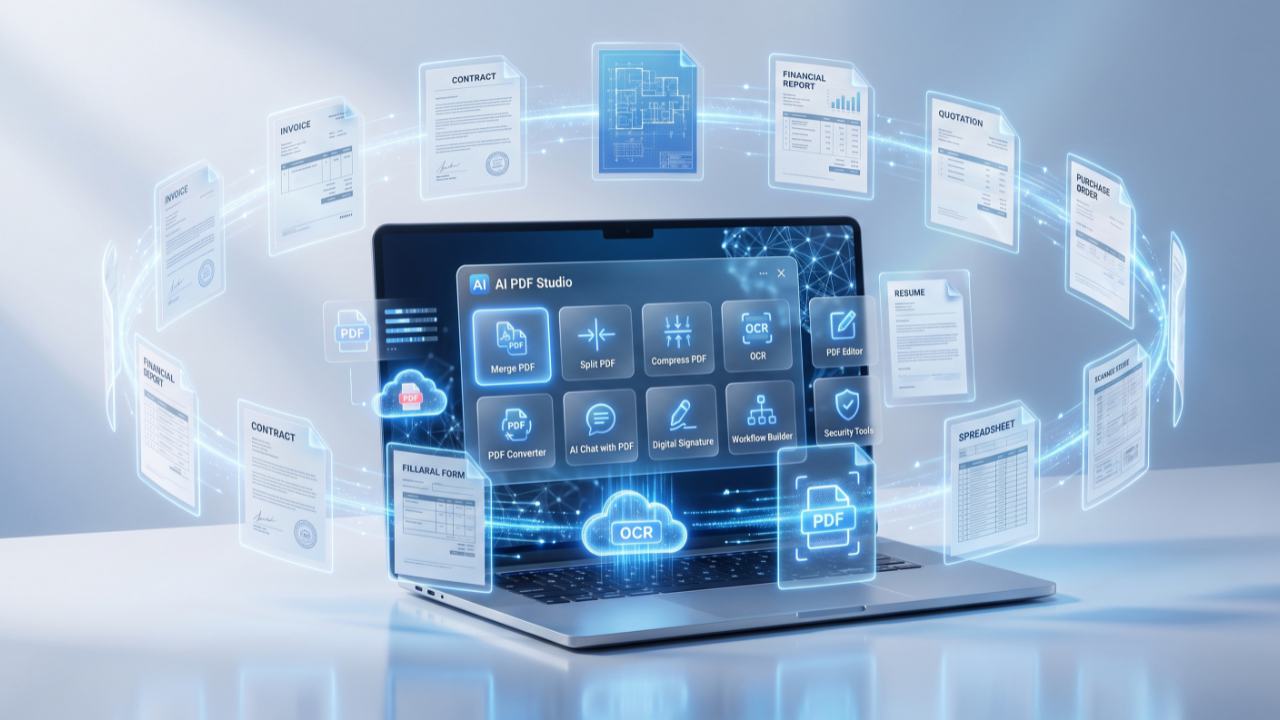
Every Free Business & PDF Tool on AI PDFX
Nine high-performance business applications, all browser-based with zero cloud uploads. Open any tool and begin working immediately with no registration required.
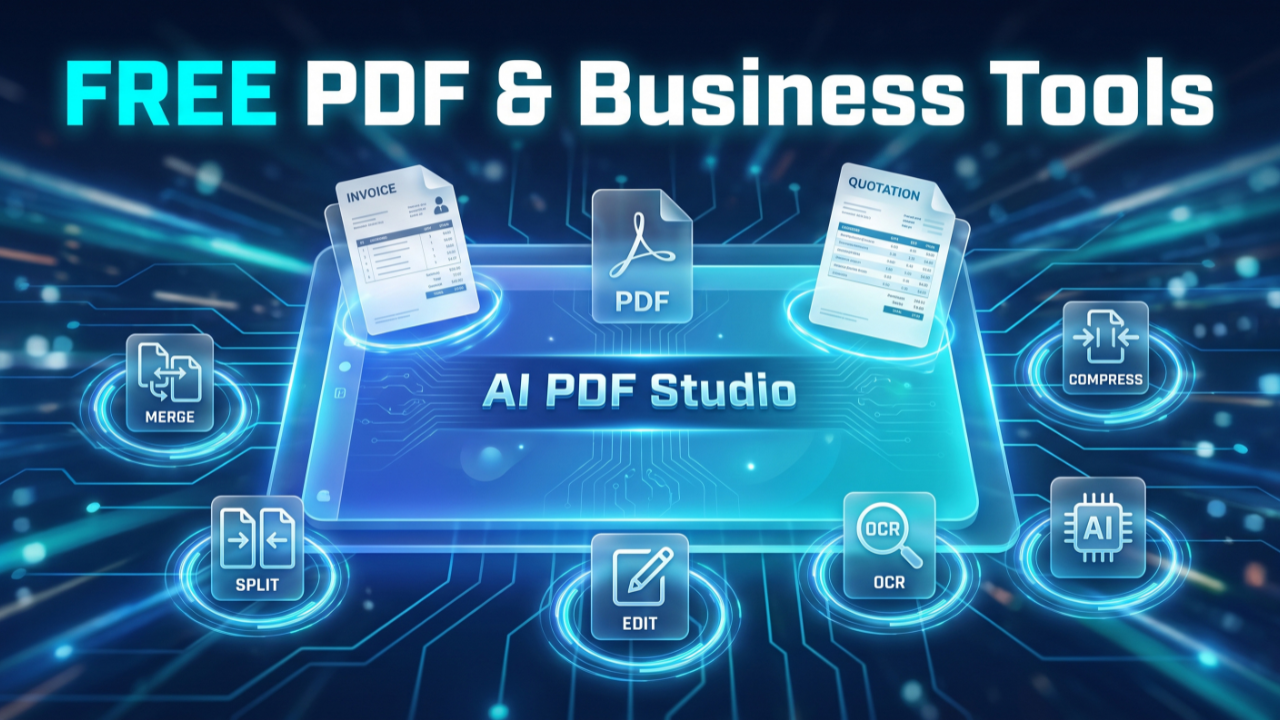
AI PDF Studio
Flagship PDF Suite 28 Tools in OneMerge, split, compress, convert, edit, sign, redact, and OCR documents across 13 languages, plus an offline AI document chat powered by local WebAssembly embeddings.
Expense Report Generator
Accounting & Tax IRS & HMRC ReadyItemize business receipts, calculate reimbursable vs billable costs, reconcile cash advances, compute multi-tier sales tax or VAT, and export audit-ready expense sheets.
Commercial Invoice Generator
International Trade Customs CompliantGenerate international trade invoices with Incoterms 2020 rules, Harmonized System (HS) codes, freight and insurance declarations, country of origin, and customs clearance blocks.
Estimate Generator
Pre-Sales & Bidding Client ProposalsBuild formal project estimates, contractor bids, and itemized labor-material breakdowns with payment terms, scope notes, and client acceptance signature fields.
PDF to Excel & CSV
Data Extraction & OCRExtract tabular data from complex PDF financial statements and invoices into clean Excel (XLSX), CSV, and TSV spreadsheets with ruled-line detection and OCR.
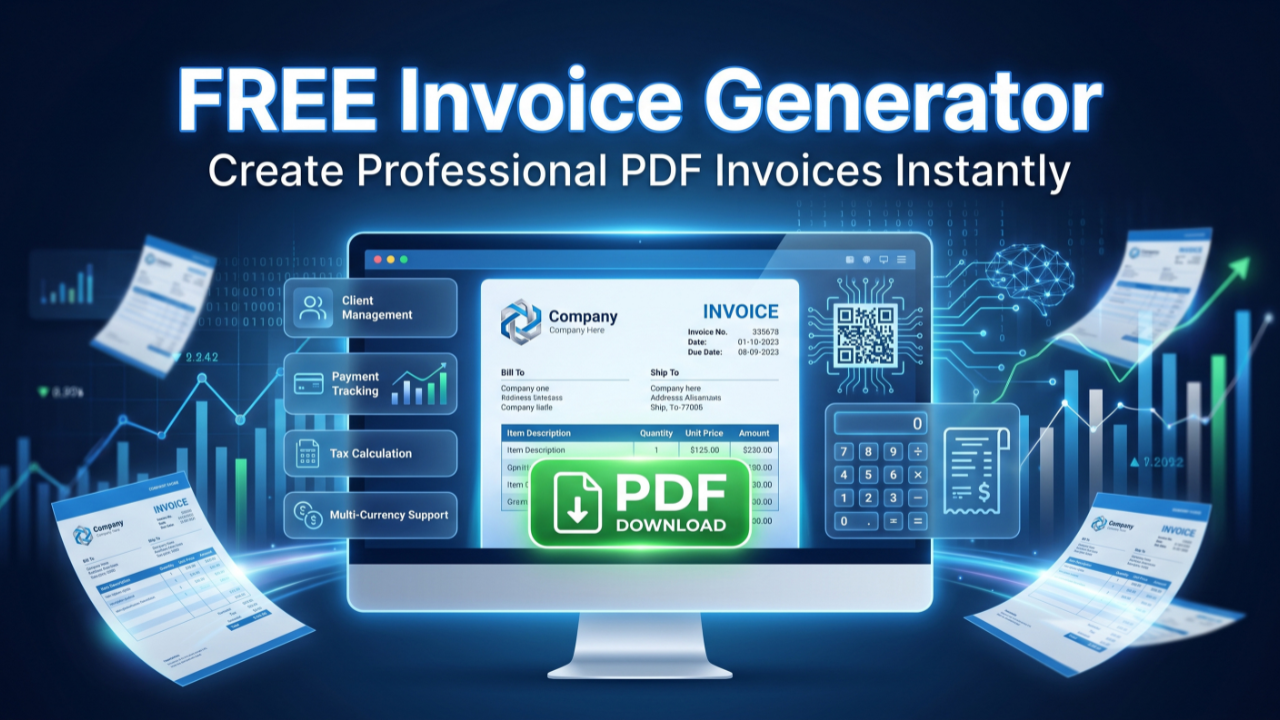
Invoice Generator
Billing & ReceivablesCreate professional client invoices with custom company branding, line-item discounts, multi-currency support, payment terms, and instant vector PDF download.
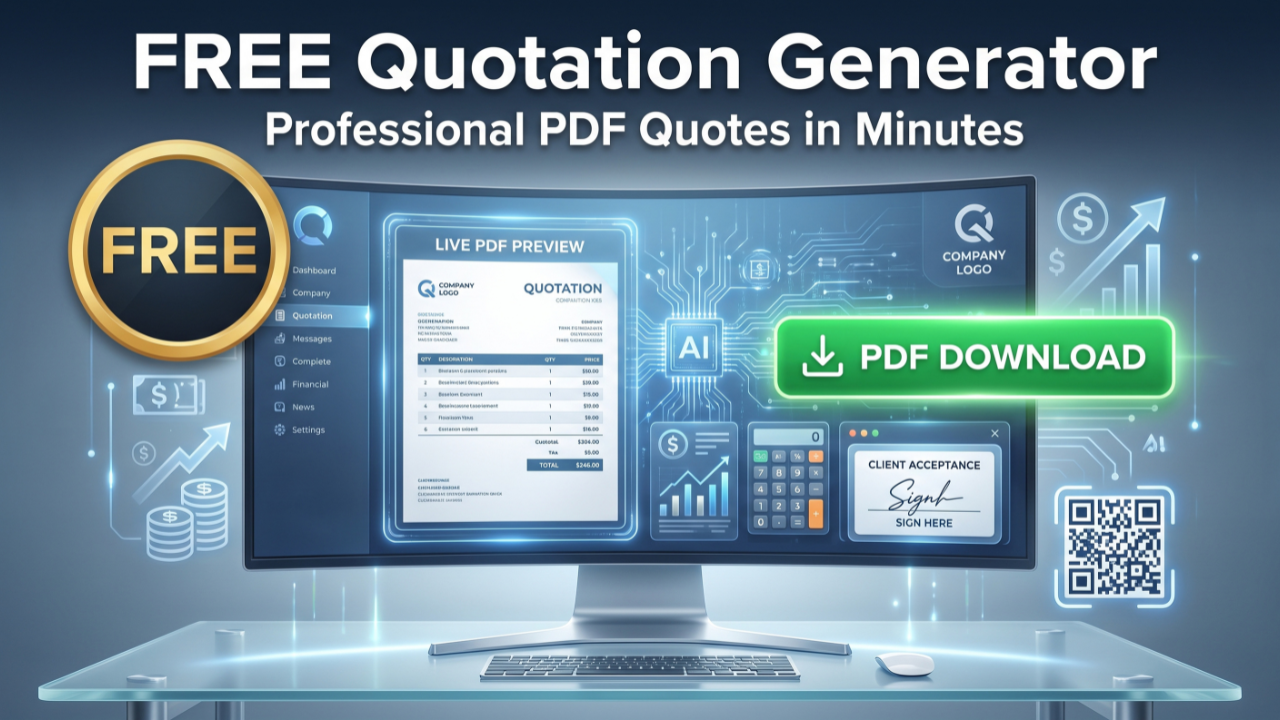
Quotation Generator
Sales & PricingDraft itemized price quotations and formal sales proposals with quotation validity deadlines, delivery schedules, and client authorization lines.
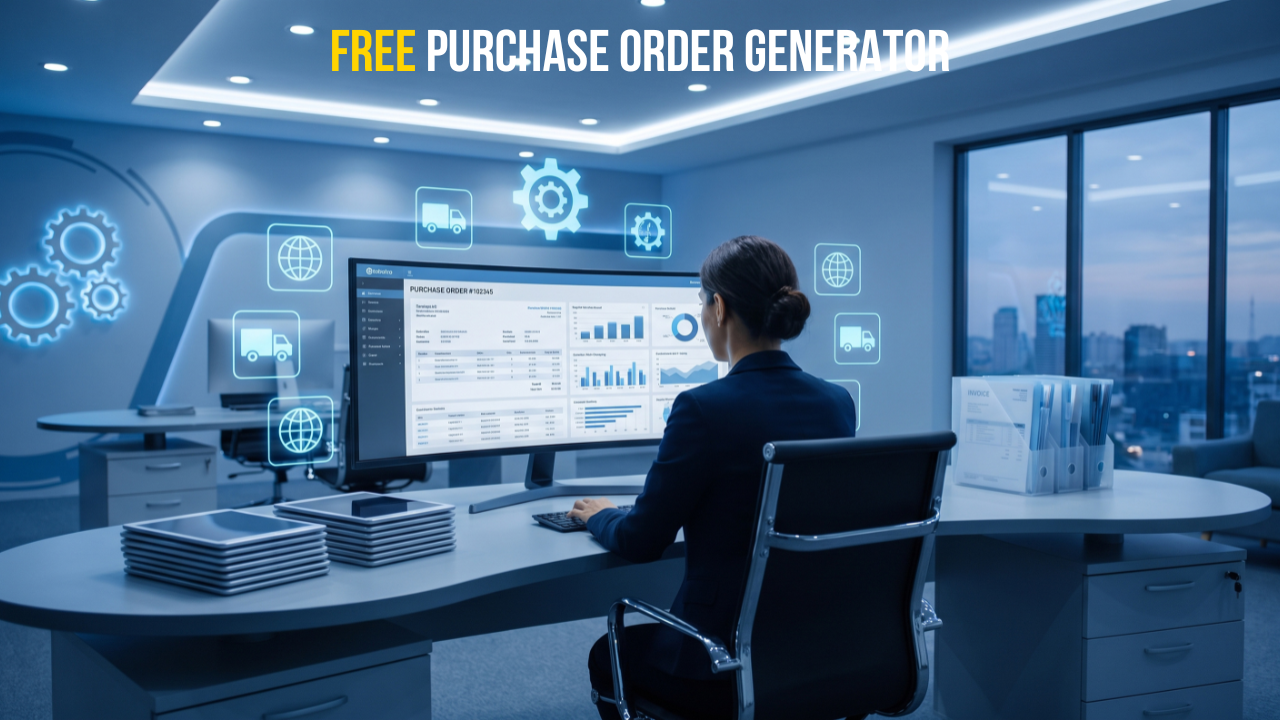
Purchase Order Generator
Procurement & PurchasingIssue commercial purchase orders with vendor specifications, delivery dates, shipping instructions, and dual-signoff cost approval blocks.
Receipt Generator
Proof of PaymentGenerate verified payment receipts with transaction IDs, payment methods (Credit Card, Wire, Cash), line-item tax details, and customer copies.
Enterprise Privacy Architecture
Security ArchitectureLearn how client-side WebAssembly, Web Workers, and local memory sandboxing keep your confidential business documents 100% private on your own device.
Why Client-Side Document Processing Matters
Most document utilities transmit copies of your sensitive invoices, customer lists, and financial statements to remote cloud servers. AI PDFX takes a fundamentally different, zero-exposure architectural path.
Zero-Trust Local Privacy
Your documents, financial numbers, employee details, and client contracts never leave your device. All processing occurs in memory using client-side JavaScript and Web Workers. When you close the browser tab, memory is cleared instantly.
Zero Paywalls & No Forced Sign-Up
No account sign-up, email forms, subscription paywalls, or credit cards required. Because computations run on your computer rather than our servers, we have zero cloud computing overhead to pass on to you.
Audit-Ready, Watermark-Free Export
Export professional vector PDFs formatted for corporate compliance, IRS/HMRC tax record-keeping, and client invoicing. Every tool includes live document preview, custom currencies, and multi-tier signature approval blocks.
Frequently Asked Questions
Clear answers regarding data privacy, document compliance, and technical features.
Is AI PDFX free to use?
Yes. Every tool on AI PDFX is 100% free with no account creation, no subscription fees, no artificial page throttles, and no watermarks placed on your exported PDFs. There are no premium tiers withholding advanced features.
Do I have to upload my documents to a server?
No. All generators construct PDFs in your local browser sandbox, and the PDF to Excel converter parses document tables directly on your CPU. While your browser fetches static scripts, your file bytes and private numbers never leave your computer.
Which commercial documents can I generate?
You can create professional invoices, international commercial invoices (with Incoterms and HS codes), accountable employee expense reports, contractor estimates, price quotations, purchase orders, and payment receipts with customizable branding and multi-currency formatting.
Can I convert complex PDF tables into Excel spreadsheets?
Yes. The PDF to Excel & CSV converter features dual table-detection engines (ruled-line vectors and whitespace stream analysis), draggable column boundary controls, live cell editing, and export to XLSX, CSV, TSV, JSON, Markdown, and HTML.
Does AI PDFX handle scanned PDFs?
Yes. For scanned images and non-selectable PDFs, our tools incorporate client-side Optical Character Recognition (OCR) powered by Tesseract.js. It extracts text and tabular structures locally across 13 major languages without transmitting images to cloud vision APIs.
Are the generated documents valid for tax and statutory compliance?
Yes. Documents generated on AI PDFX include formal tax breakdowns (Sales Tax, VAT, GST), business identification numbers, itemized line entries, and dual-party signature acceptance fields aligned with IRS, HMRC, and international accounting guidelines.
How does the AI PDF Assistant work offline?
The AI document chat in AI PDF Studio utilizes local browser-embedded vector search (MiniLM) running via WebAssembly. It indexes and retrieves passages from your uploaded PDF locally on your device without relaying text to external third-party AI APIs.
Can I use AI PDFX on smartphones and tablets?
Yes. All tools are built with mobile-responsive, touch-friendly layouts that run smoothly on modern iOS and Android browsers as well as desktop operating systems (macOS, Windows, Linux).
Create Your Document in Seconds
No software installations, no logins, and zero privacy exposure. Select a tool below to open an instant browser workspace.